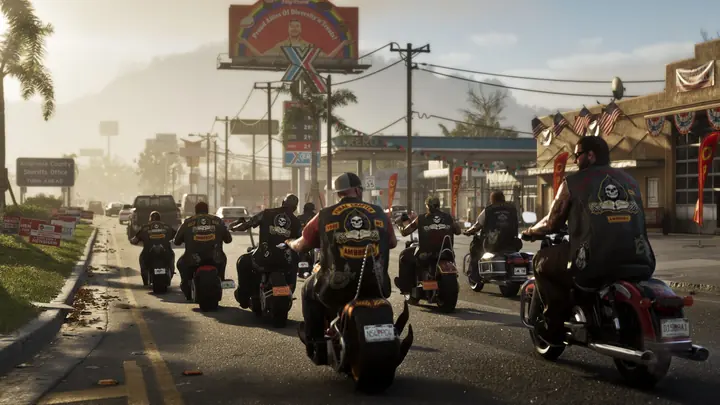
GTA 6 age rating: rated M and PEGI 18, what's in it and a parents' guide
GTA 6 is rated M (Mature 17+) by the ESRB and PEGI 18 in Europe. What the content descriptors mean, why it's not a game for kids and how to set parental controls on PS5 and Xbox.
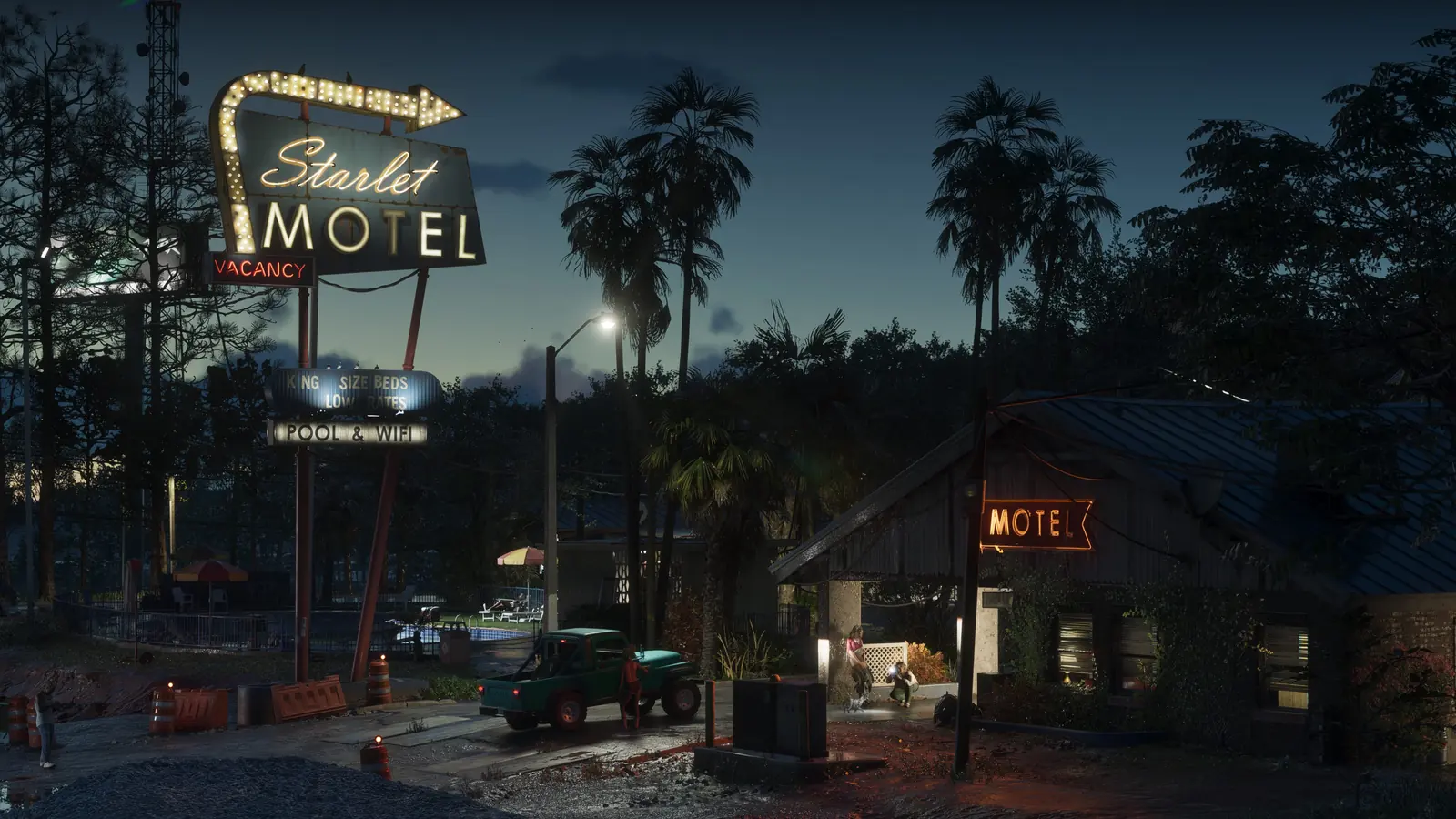
Every GTA raises the same question in many households: can my kid play it? The official answer is clear: GTA 6 is a game for adults. Here’s why, and how to control it on your console.
The official rating
| Region | Rating | What it means |
|---|---|---|
| US and Canada (ESRB) | M (Mature 17+) | For ages 17 and up |
| Europe and UK (PEGI) | PEGI 18 | Not recommended for under-18s |
| Australia | R18+ | Adults only |
The European PlayStation Store lists it as PEGI 18.
The content descriptors
Rockstar’s official website shows these ESRB descriptors:
- 🩸 Blood and Gore and Intense Violence.
- 🔞 Nudity and Strong Sexual Content.
- 🤬 Strong Language.
- 💊 Use of Drugs and Alcohol.
- 😏 Mature Humor.
- 💳 In-Game Purchases.
The PEGI description, briefly posted on its website and later removed, mentioned strong graphic violence, sexual themes and illegal drug use the player can perform. It’s probably the most explicit GTA to date.
Is the age limit mandatory?
ESRB and PEGI ratings are guidance, not laws, in most places. Many retailers ask for proof of age to buy M-rated or 18-rated games. At home, it’s each family’s decision, but it’s worth knowing what’s inside. This isn’t cartoon violence: there are sex scenes and drugs portrayed realistically.
How to set parental controls
On PS5
- Go to Settings → Family and Parental Controls.
- Choose the child’s account and set the age level for games.
- If you set a limit below the game’s rating, the console won’t open GTA 6 on that account.
- You can also set a monthly spending limit, useful because of in-game purchases.
On Xbox Series X|S
- Download the Xbox Family Settings app on your phone.
- Add the child’s account to your family group.
- Under Content restrictions, choose the maximum allowed age.
- Turn on “Ask a parent” for purchases.
Alternatives for younger players
If there are younger players at home who want an open world, there are options with lower ratings, such as open-world racing or adventure games rated E10+, T, PEGI 7 or PEGI 12. Always check the rating icon on the box or in the digital store.
Made your decision? Check the price of each edition and how much space it takes.