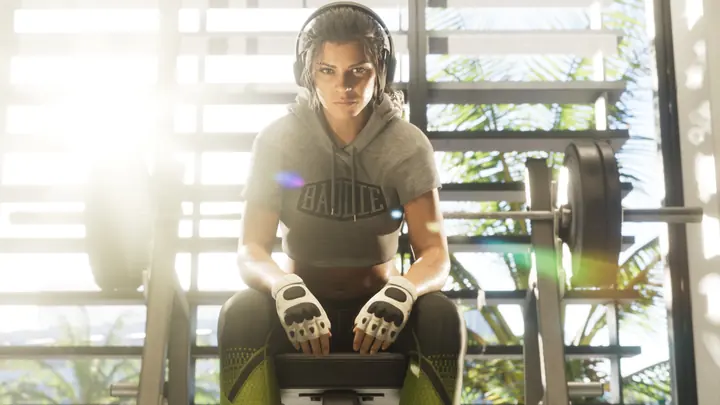
How to avoid GTA 6 spoilers: a guide for X, TikTok, YouTube, Reddit and Discord
GTA 6 launches November 19 and story spoilers will hit social media within hours. Here's how to mute words, what to do on each platform, and the habits that actually keep you safe.
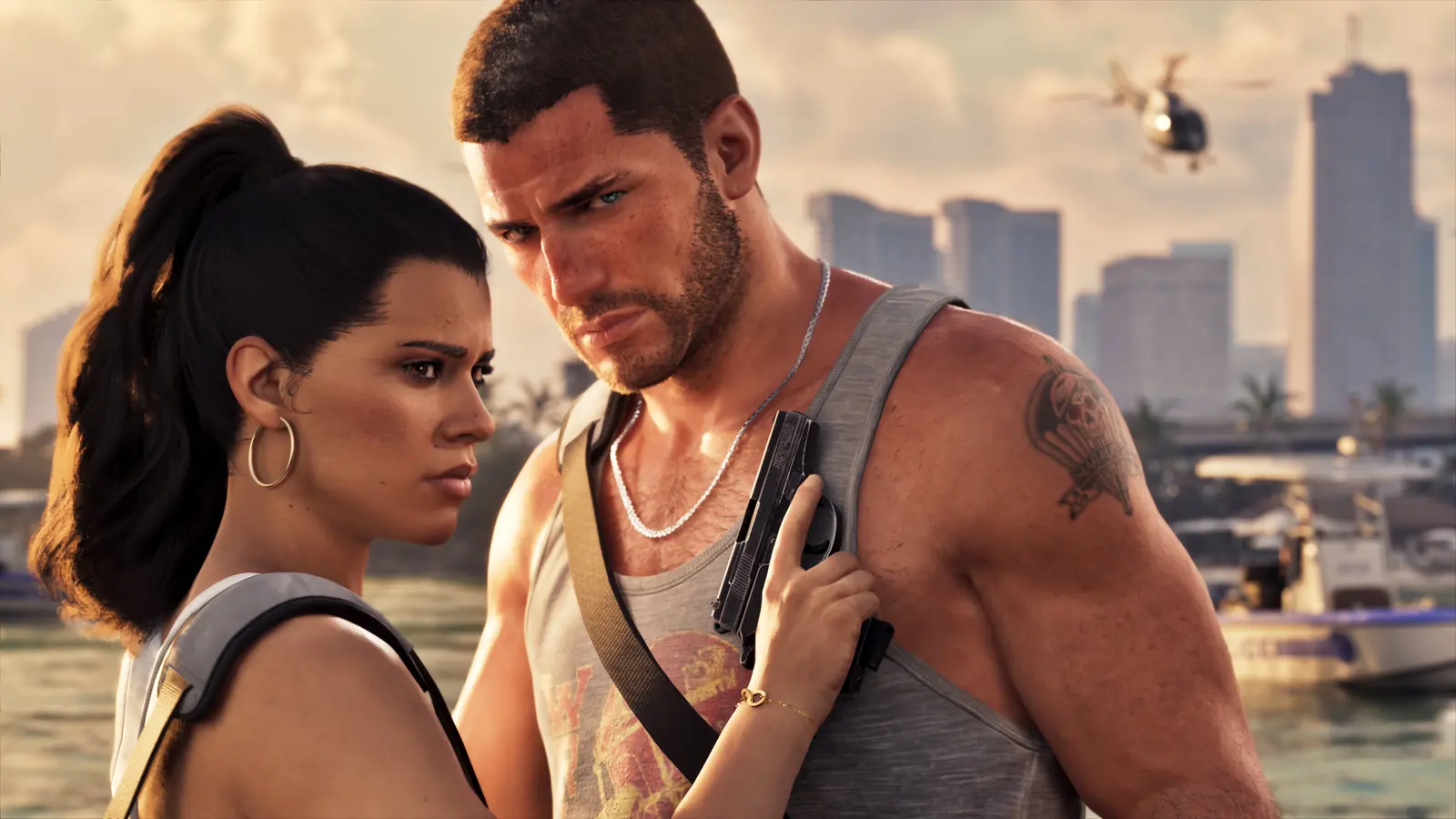
GTA 6 launches Thursday, November 19, and it unlocks earlier in some time zones than others. That means some players will be playing (and posting) hours before you. If you want to experience Jason and Lucia’s story fresh, it’s time to prepare.
This guide has zero spoilers. It just shows you how to shield yourself.
At a glance
| Where | What to do | How well does it work? |
|---|---|---|
| X (Twitter) | Mute words and hashtags | ✅ Best tool available |
| TikTok | Filter keywords in content preferences | 🟡 Helps, but not perfect |
| YouTube | No keyword filter: avoid searching and turn off autoplay | 🟡 Up to you |
| Mute or leave the game’s subreddits | 🟡 Best to step away | |
| Discord | Ask for a spoiler-free channel and use spoiler tags | ✅ If your friends cooperate |
Words worth muting
Add them one by one:
GTA 6,GTA VI,GTAVI,#GTA6,Grand Theft Auto VI- The leads’ names:
Jason,Lucia - Spoiler words:
ending,spoiler,spoilers,final mission - If you follow gaming news accounts, also the names of other characters you already know from the trailers.
Heads up: muting “GTA 6” also hides regular news about the game (including ours). That’s the price of going in blind.
Platform by platform
X (Twitter)
X has the best tools. Go to Settings and privacy → Privacy and safety → Mute and block → Muted words, tap + and add each word. Choose to mute it in both your Home timeline and notifications, and set a duration (30 days, for example) so you don’t have to remember to undo it.
TikTok
TikTok lets you filter keywords so videos with those terms don’t show up in For You and Following. You’ll find it under content preferences in settings. The catch: videos that don’t mention the word in their text can still slip through. If one looks suspicious, swipe fast and tap “Not interested”.
YouTube
YouTube doesn’t have a keyword filter for titles or thumbnails. What works:
- Don’t search for “GTA 6” for a few weeks.
- Turn autoplay off.
- If a risky video shows up on your homepage, use ⋮ → Not interested or Don’t recommend channel.
- Turn off notifications from the GTA channels you follow.
Reddit uses spoiler tags that blur posts, but not everyone uses them properly. The safest move is to leave or mute the game’s subreddits for a few days and come back once you’ve finished the story.
Discord
Ask your server admins for a dedicated spoiler channel and keep everything else clean. To hide text, wrap it in double vertical bars: ||like this||. If a friend is ahead of you, ask them to use those tags.
On your console
PS5 includes spoiler warnings for game help and some store features; check your game and app settings to make sure they’re on. And watch out for live broadcasts on the home screen and your friends’ captures.
Habits that save you
- Finish before you look things up. Stuck on a mission? Search for that exact mission name and skip long videos.
- Watch out for thumbnails. In gaming videos, the thumbnail is often the spoiler.
- Mute group chats with friends who play faster, or ask them to warn you.
- Skip the comments on game news for the first few weeks.
What about reviews?
Professional reviews usually steer clear of story spoilers. Here’s when GTA 6 reviews come out. And if you want to go in prepared without knowing anything about the plot, check our GTA 6 beginner tips.
Bottom line
Mute words on X and TikTok, step away from YouTube and Reddit for a few days, and ask your friends to use spoiler tags. That gets you most of the way. The rest is yours to enjoy in Leonida at your own pace.